Open library · 759 documented files
DESIGN MD (DESIGN.md)
designmd.app is an open-source library of DESIGN.md files — structured design system specifications that AI coding agents read before generating UI. Each file defines colors, typography, spacing, and component rules in Markdown with YAML tokens. Pick a style, drop it in your repo, and your agent produces consistent interfaces from the first prompt.
Compatible with Claude Code · Cursor · Kiro · Windsurf · Cline
Library
759 DESIGN.md ready to use
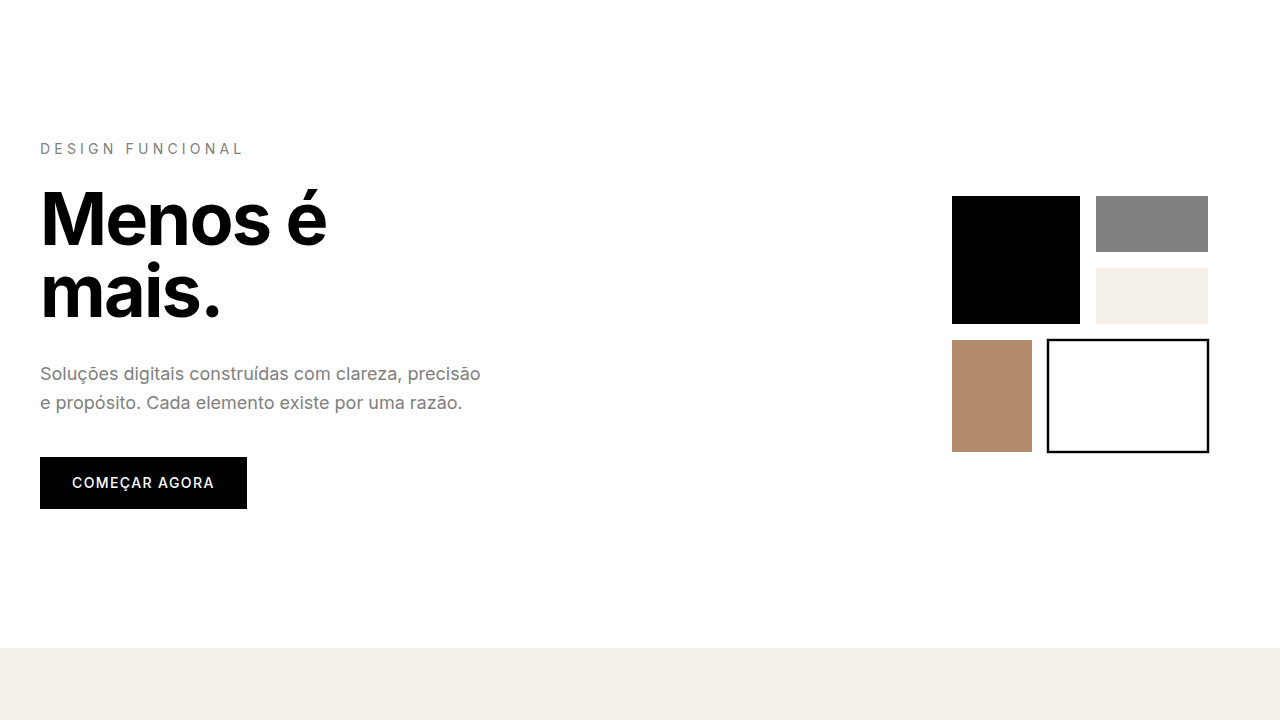
Minimalism & Swiss Style
Minimalist landing page. Ideal for b2b saas, enterprise apps, design saas, profe…
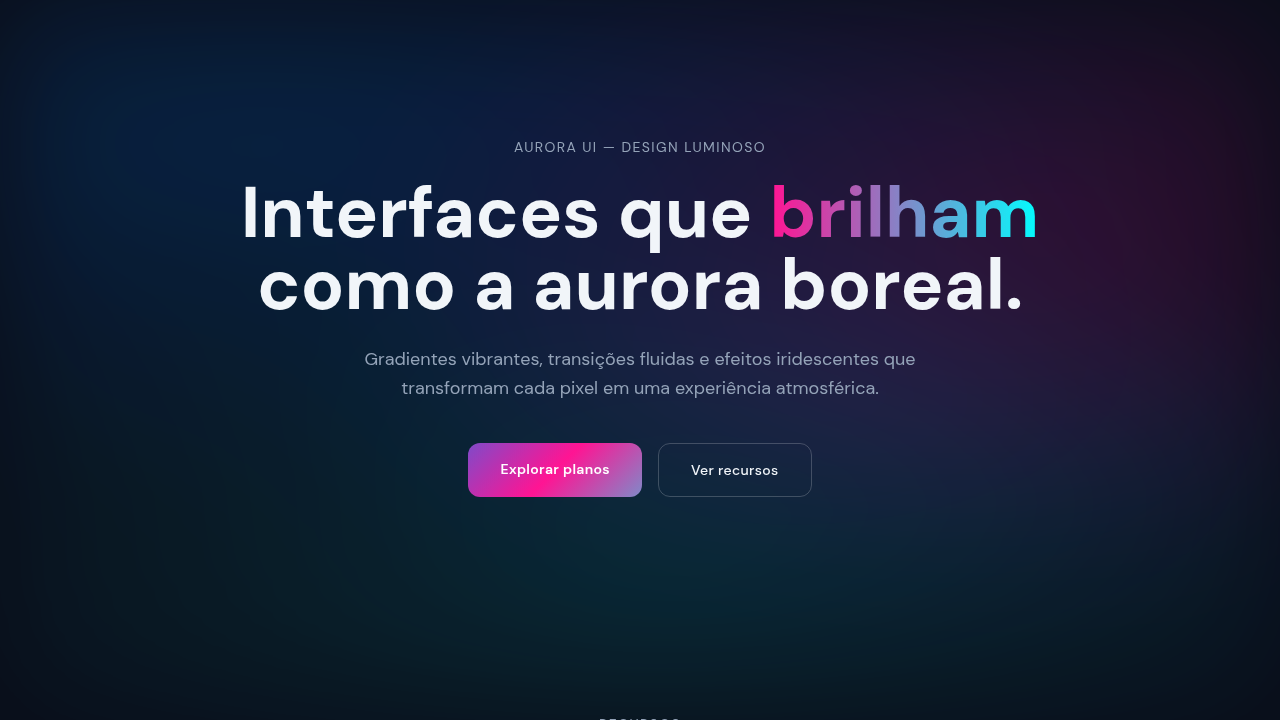
Aurora UI
Vibrant gradient interface inspired by Northern Lights with mesh gradients, smoo…
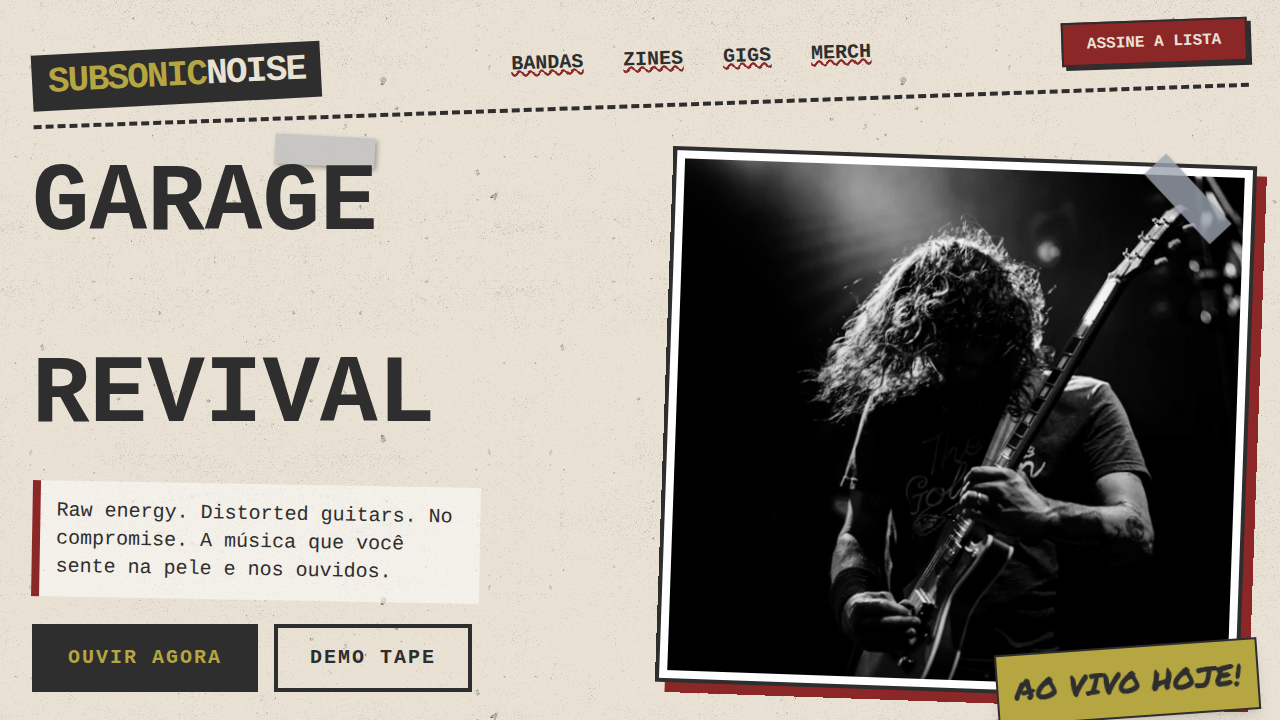
Grunge Rock dos Anos 90
90s grunge rock landing page. Ideal for landing pages, saas. AI-ready template.
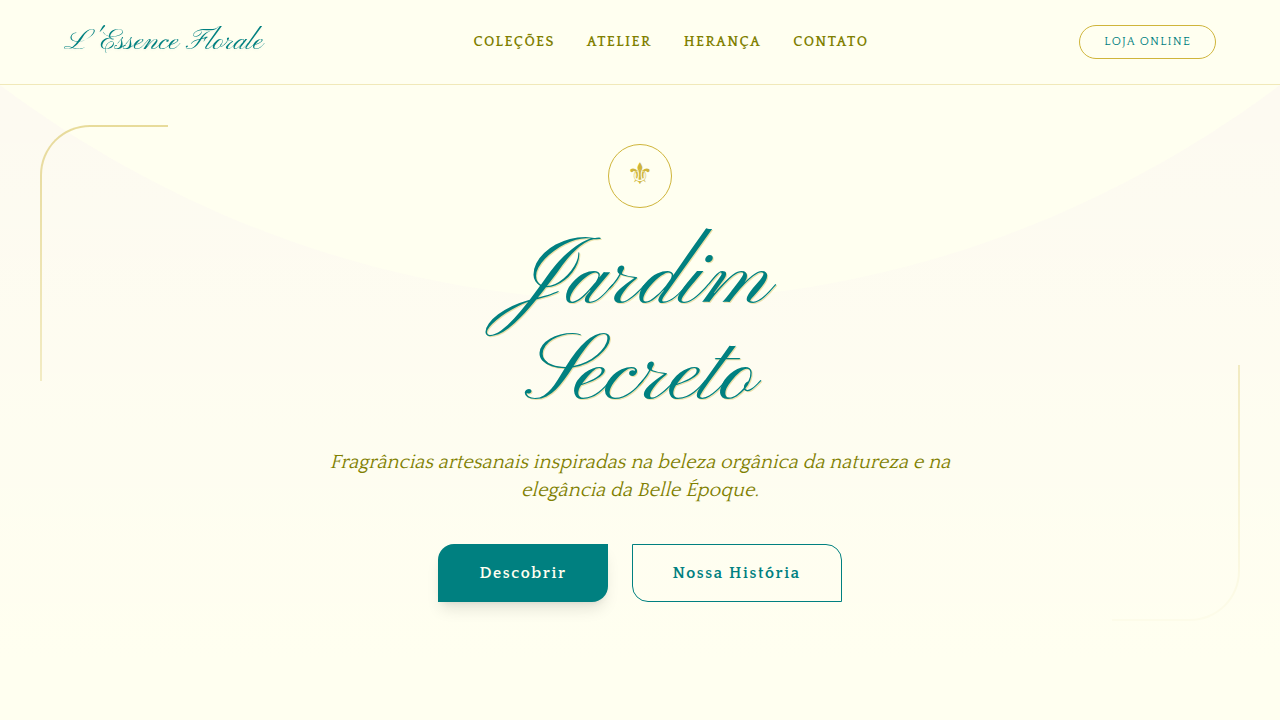
Art Nouveau Florido
Design an Art Nouveau floral landing page. Ideal for landing pages, saas. AI-rea…
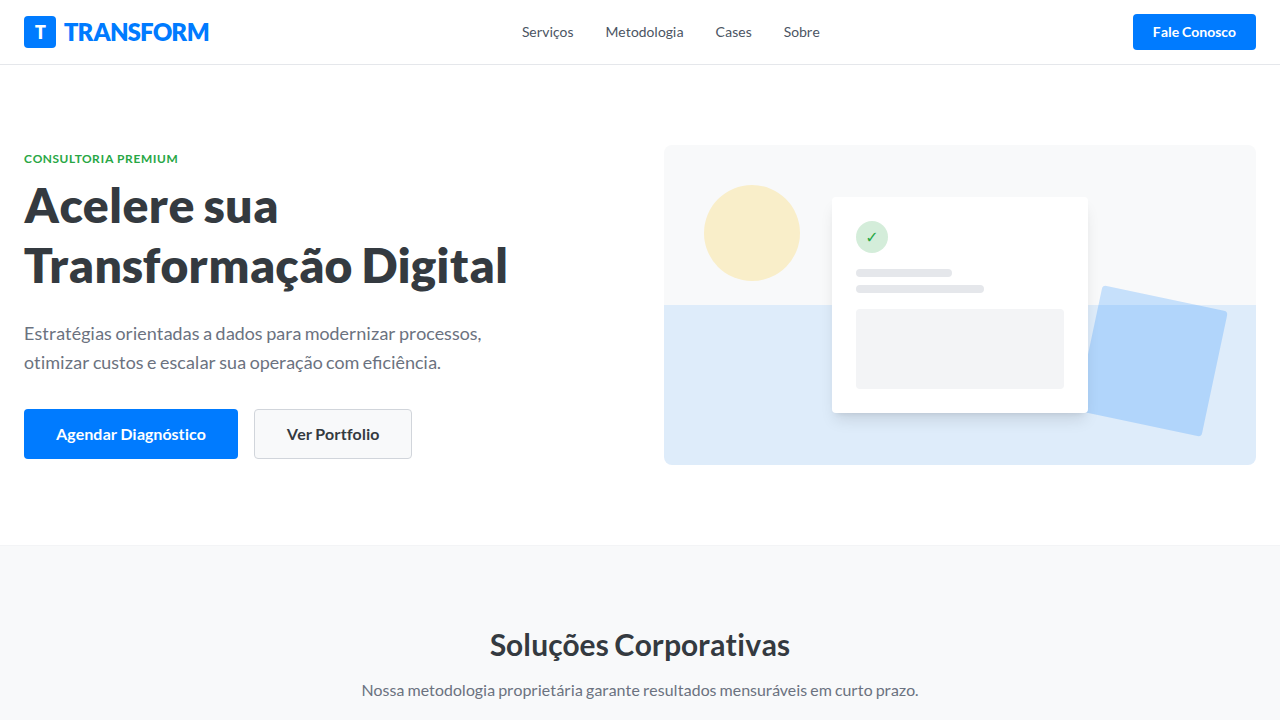
Flat Design Corporativo
Corporate flat design landing page. Ideal for landing pages, saas. AI-ready temp…
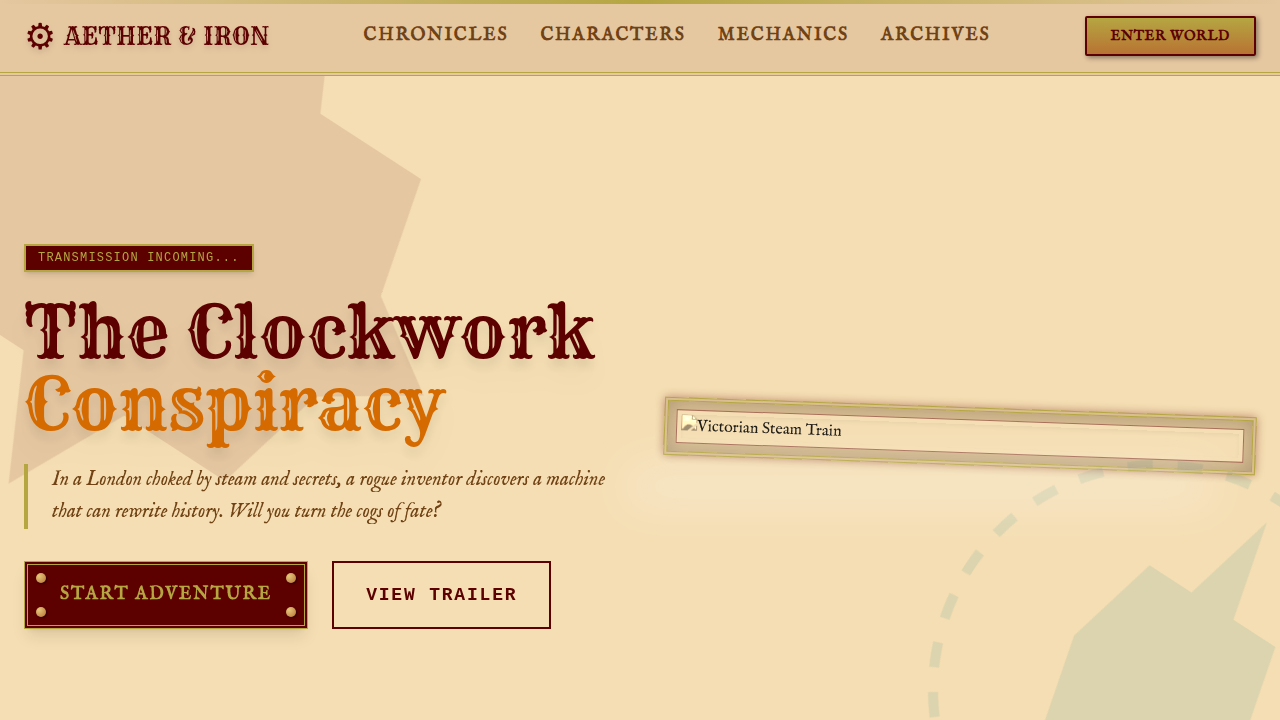
Steampunk Vitoriano
Victorian steampunk landing page. Ideal for landing pages, saas. AI-ready templa…
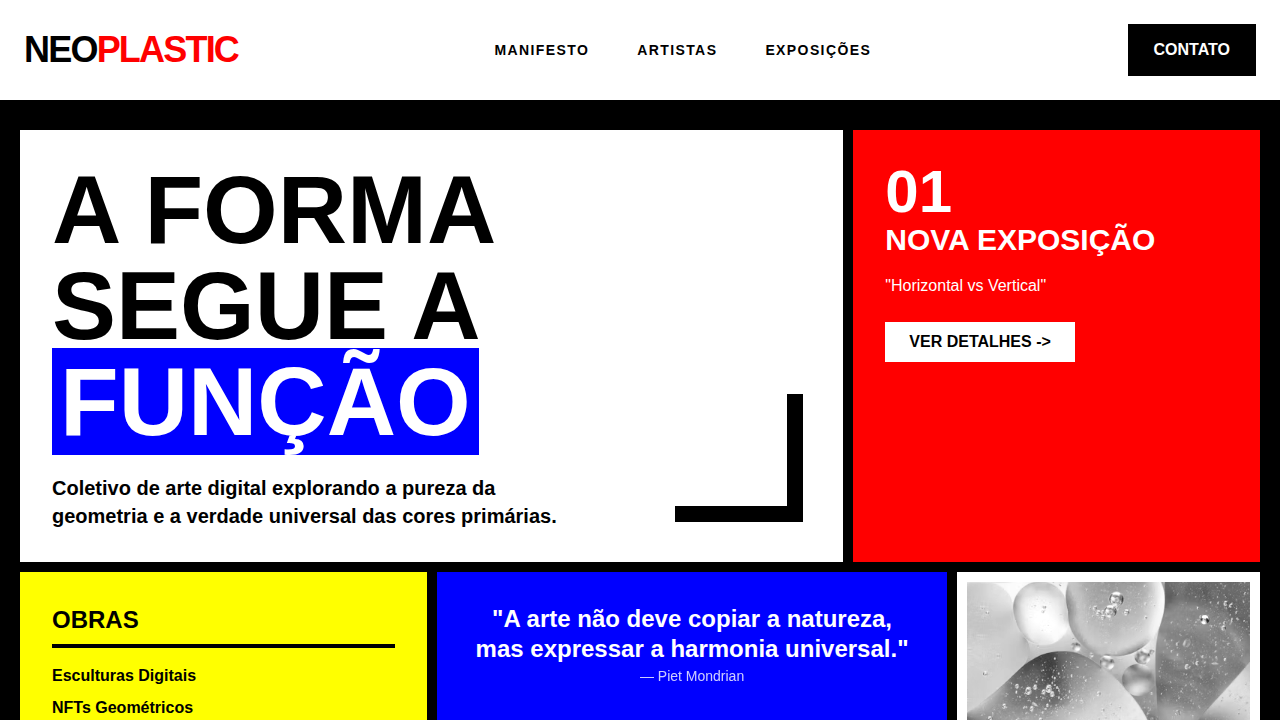
De Stijl Abstrato
De Stijl abstract landing page. Ideal for landing pages, saas. AI-ready template…
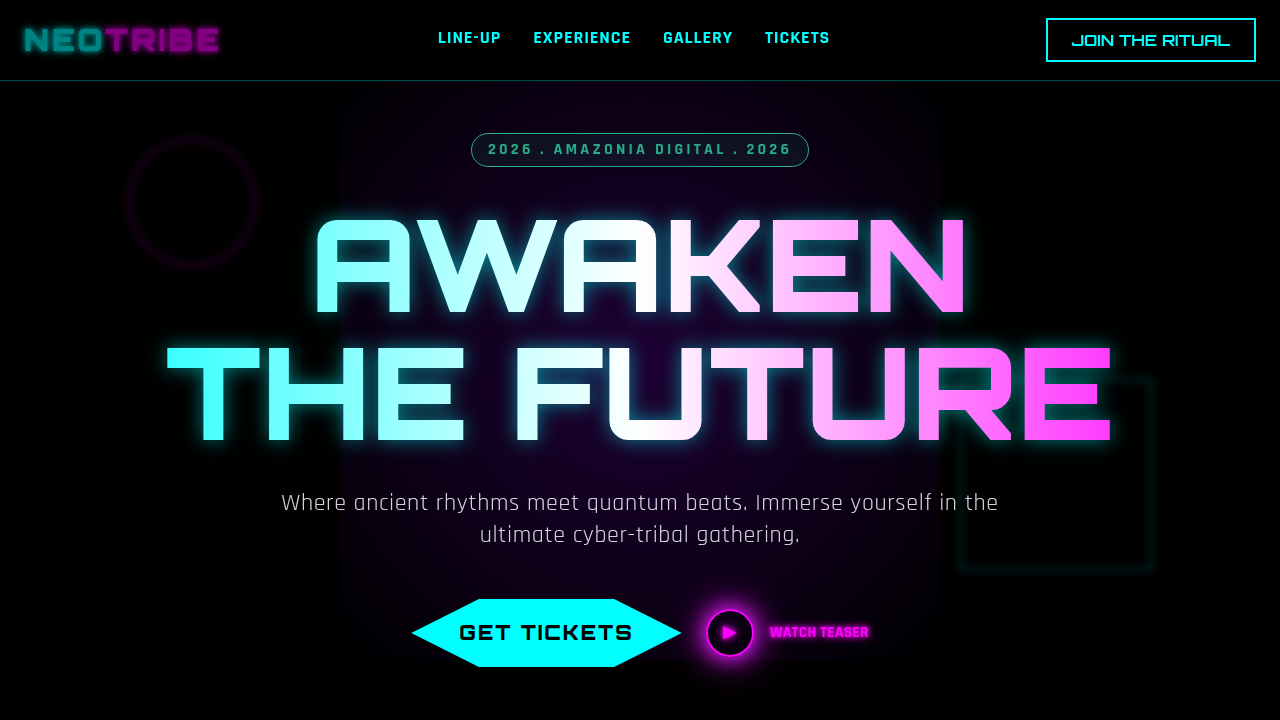
Cyber-Tribal
Cyber-tribal landing page. Ideal for landing pages, saas. AI-ready template.
01
Agents don't remember your design
LLMs process each prompt in isolation. Without a reference in the repository, each generated component uses different visual decisions.
02
DESIGN.md enters the context window
YAML front matter with design tokens (colors, typography, spacing) + Markdown prose with rationale and constraints. The agent reads it before generating any UI.
03
Copy from library, paste in project
759 documented design systems. Choose a style, download the DESIGN.md and configure your agent.
Reading
Articles and guides
How to use DESIGN.md with Cursor
Use .cursor/rules to inject DESIGN.md in every UI generation.
Read guide →
How to use DESIGN.md with Cursor
Configure .cursor/rules/*.mdc to reference your DESIGN.md.
Read guide →
How to use DESIGN.md with Kiro
Add DESIGN.md to the .kiro/steering directory of your project.
Read guide →
How to use DESIGN.md with Kiro
Configure .kiro/steering/ to reference your DESIGN.md.
Read guide →
How to use DESIGN.md with Windsurf
Configure global_rules.md to point to your DESIGN.md.
Read guide →
How to use DESIGN.md with Windsurf
Configure .windsurfrules to reference your DESIGN.md.
Read guide →
How to use DESIGN.md with Google Stitch
Export DESIGN.md directly from Google Stitch.
Read guide →
How to use DESIGN.md with Google Stitch
Configure Native UI to reference your DESIGN.md.
Read guide →
How to use DESIGN.md with GitHub Copilot
Configure copilot-instructions.md to reference your DESIGN.md.
Read guide →
How to use DESIGN.md with GitHub Copilot
Configure copilot-instructions.md to reference your DESIGN.md.
Read guide →
How to use DESIGN.md with Cline
Configure .clinerules to reference your DESIGN.md.
Read guide →
How to use DESIGN.md with Cline
Configure .clinerules to reference your DESIGN.md.
Read guide →
How to use DESIGN.md with Aider
Configure .aider.conf.yml to reference your DESIGN.md.
Read guide →
How to use DESIGN.md with Aider
Configure .aider.conf.yml to reference your DESIGN.md.
Read guide →
How to use DESIGN.md with Codex
Configure AGENTS.md to reference your DESIGN.md.
Read guide →
How to use DESIGN.md with Codex
Configure AGENTS.md to reference your DESIGN.md.
Read guide →
How to use DESIGN.md with Devin
Configure Knowledge Base to reference your DESIGN.md.
Read guide →
How to use DESIGN.md with Devin
Configure Knowledge Base to reference your DESIGN.md.
Read guide →
How to use DESIGN.md with Continue.dev
Configure .continuerc.json to reference your DESIGN.md.
Read guide →
How to use DESIGN.md with Continue.dev
Configure .continuerc.json to reference your DESIGN.md.
Read guide →
DESIGN.md + AGENTS.md + RULES.md: which file does what
The definitive map of context files for AI agents — DESIGN.md, AGENTS.md, RULES.md, .curso…
DESIGN.md at scale: when tokens aren't enough (and what to add)
DESIGN.md solves visual tokens but AI agents still guess component behavior. Here are prac…
Structure
Anatomy of a DESIGN.md
Eight sections in canonical order from the official spec. YAML front matter with tokens + Markdown prose with rationale. The agent reads the full file before generating any component.
View full format →---
name: Productivity App
colors:
primary: "#2665fd"
surface: "#0b1326"
on-surface: "#dae2fd"
typography:
headline:
fontFamily: Geist
fontSize: 2rem
fontWeight: 600
body:
fontFamily: Geist
fontSize: 1rem
fontWeight: 400
rounded:
sm: 4px
md: 8px
lg: 12px
spacing:
sm: 8px
md: 16px
lg: 32px
---
## Overview
Minimal interface for a productivity app.
Clean lines, high information density.
## Colors
- **Primary** (#2665fd): CTAs, active states
- **Surface** (#0b1326): Backgrounds
## Typography
- Headlines: Geist, semi-bold
- Body: Geist, regular, 14–16px
## Components
- Buttons: rounded-lg, primary filled
- Inputs: 1px border, surface-variant bg
## Do's and Don'ts
- Do use primary only for main actions
- Don't mix rounded and sharp cornersSetup Guides
Configure DESIGN.md with your AI coding agent
Each agent has its own setup. Pick yours for a quick overview, or jump to the full guide for step-by-step configuration.
About the Project
From Vibe Styles to an open reference
designmd.app started under a different name — Vibe Styles — as a simple library of almost 100 styles to reference in agents and in NotebookLM, and to generate sites, videos and diagrams.
With the launch of the DESIGN(.)md standard, the site began generating those files too and moved to its own domain. It grew, gained categories, and now holds almost 800 variations with 1,500 daily visits — all organic.
The project also covers Real Brands — Brazilian brands, content that is not easy to find.
The video below summarizes the journey. It is one of the projects that taught me the most in this #AIDLC run — the first multi-agent implementations, specs written with BMAD and other frameworks, web scraping, SEO and GEO all happened here.
References
- → google-labs-code/design.md — Official DESIGN.md format specification (Google)
- → docs/spec.md — Full specification: token schema, sections, linting rules
- → W3C Design Tokens Community Group — Design tokens spec that inspired DESIGN.md YAML format
- → @google/design.md (npm) — Official CLI: lint, diff, export, spec